
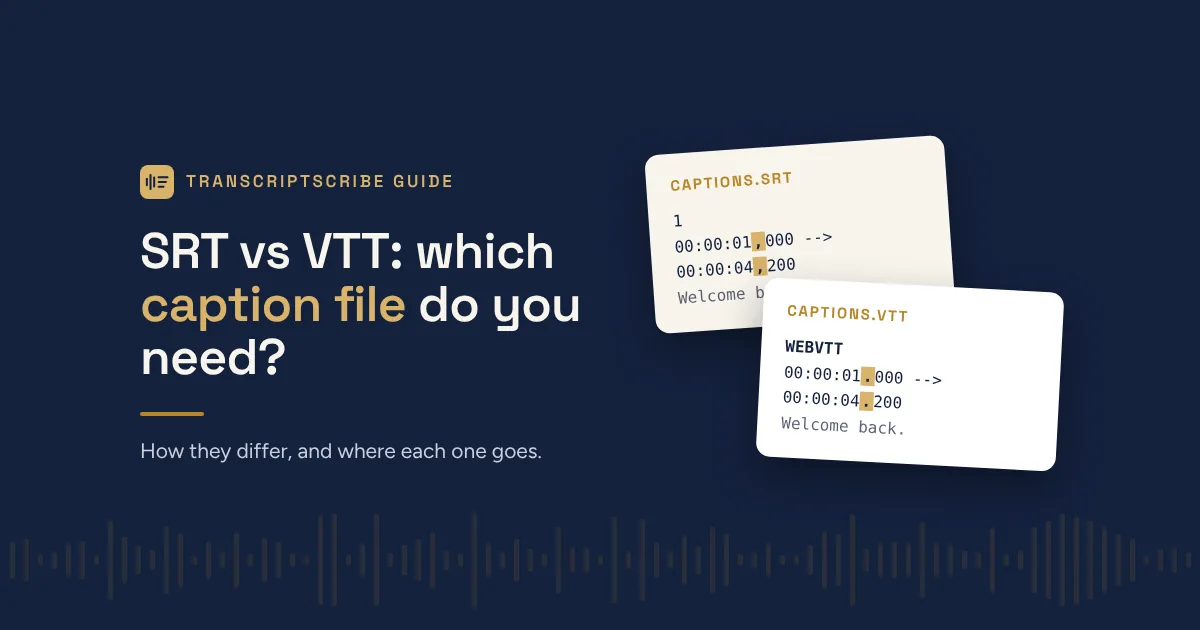
Short answer: use SRT for YouTube, social media and video editing software, and VTT for video on your own website. If you’re not sure, try SRT first. It’s the most widely accepted format.
Both are plain text files that tell a video player what text to show and when. They differ in a few small but important ways.
What an SRT file looks like
SRT (SubRip Subtitle) is the older, simpler format. Each caption has a number, a start and end time, and the text:
1
00:00:01,000 --> 00:00:04,200
Welcome back to the show.

2
00:00:04,600 --> 00:00:07,900
Today we're talking about contracts.
Note the comma before the milliseconds. That’s an SRT convention.
What a VTT file looks like
VTT (WebVTT) was designed for web video. It starts with a WEBVTT header, uses a period before the milliseconds, and the caption numbers are optional:
WEBVTT

00:00:01.000 --> 00:00:04.200
Welcome back to the show.

00:00:04.600 --> 00:00:07.900
Today we're talking about contracts.
VTT can also carry extras that SRT can’t, such as caption position on screen, basic styling and speaker tags.
Which one to use
| Where the video goes | Use |
|---|---|
| YouTube | SRT or VTT (both accepted) |
| Vimeo | SRT or VTT (both accepted) |
| Facebook, LinkedIn | SRT |
| Premiere Pro, Final Cut Pro, DaVinci Resolve | SRT |
| Your own website (HTML5 video player) | VTT |
| Course platforms and video hosts | Check their help page; most take both |
Captions vs a transcript
Caption files are built for watching. Each line is short and timed to appear on screen. A transcript is built for reading, quoting and filing. It has full paragraphs, speaker names and timestamps at each turn.
Many people need both: captions for the video, and a Word or PDF transcript for the record, for show notes, or to make the content searchable.
You don’t have to choose
Every TranscriptScribe order includes SRT and VTT caption files, plus Word, PDF and plain text transcripts, at no extra cost. Because a person reviews the transcript before the captions are made, names and terms are spelled correctly on screen too.
Need captions? Order a transcript or see what’s included in every order.
Leave a Reply